Schoology
Overview
- Overview
-
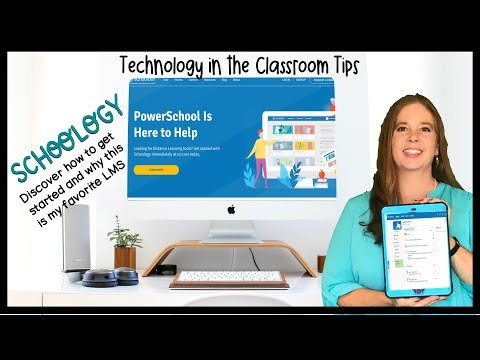
PowerSchool Schoology Learning is a district-scale K–12 learning management system for organizing courses, instructional content, assignments, assessments, grades, discussions, and communication. It gives teachers and students a consistent digital classroom across in-person, blended, and remote instruction.
Course rosters, assignments, submissions, and grades form an instructional record used throughout the school year. Teaching, curriculum, SIS, and technology teams coordinate access and transitions between terms. A classroom submission and an official academic entry can represent different stages of review. Their relationship depends on local grading practices and the connections actually configured.
At district scale, course setup, grading practices, term transitions, and account changes become shared responsibilities. Teaching, SIS, and technology teams coordinate how information moves between the classroom environment and official student records. The key questions are which system owns the final grade, how enrollment changes reach classes, and how learning records remain available after a course ends.
Features
- Features
-
Course delivery
- Builds courses with folders, pages, media, assignments, discussions, and assessments.
- Supports reusable resources, groups, collaboration, and mobile access.
Grading and mastery
- Provides gradebook, rubrics, feedback, standards alignment, mastery tracking, and assessment reporting.
- Helps teachers monitor completion and performance.
District consistency
- Supports centrally managed templates, shared resources, permissions, analytics, and administrative controls.
- Scales common instructional practices across schools.
Interoperability
- Supports LTI applications, APIs, roster and SIS workflows, and a broad partner ecosystem.
Student Data Privacy
- Student Data Privacy
-
Review the Common Sense Privacy Rating:
N/A
Schoology Privacy Policy:
https://www.powerschool.com/privacy/
Signed California Student Data Privacy Agreement?
No records found in SDPC Registry
Company News
- Company News
Interoperability
Sign-on, rostering, and file exchange methods
Learning Management System Connectivity
Select a connector to see every product that supports it.
Quick Start Guide
- Quick Start Guide
Note: SDLA does not endorse or resell any products listed on the site. They are listed simply to aid in the development of integration resources for school district ed-data leaders.
Media
Videos