Snapstream
Overview
- Overview
-
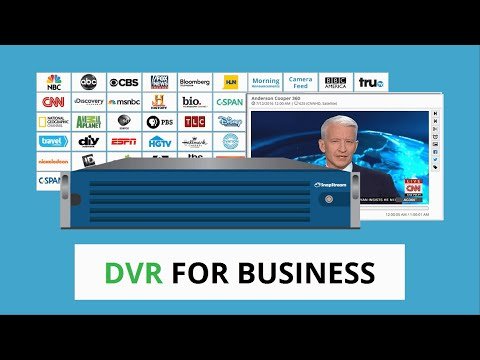
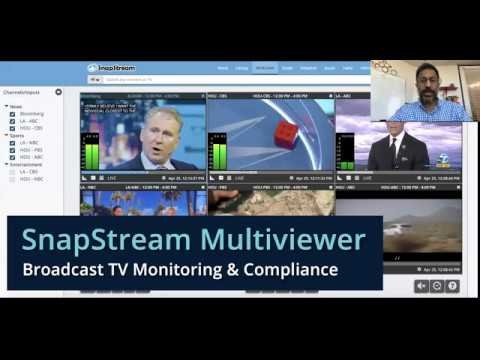
SnapStream is a television recording, monitoring, search, and clipping platform used to capture multiple broadcast or cable channels and make recorded content searchable by transcript. Communications teams can locate segments, create clips, monitor coverage, and preserve relevant broadcasts without manually watching every program. District communications staff can use it to review and share relevant coverage.
A clip’s source, broadcast date, and transcript provide its reporting context. Communications staff use that history to distinguish captured media evidence from locally authored district messages.
Features
- Features
-
Creation and capture
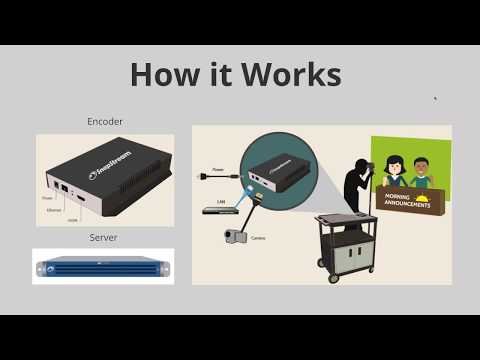
- Records supported television sources and indexes programs and closed-caption text for later search.
- Districts should identify required hardware, accounts, storage, and staff skills before standardizing workflows.
Distribution and use
- Lets authorized users search transcripts, create clips, annotate or share findings, and monitor mentions or topics.
- Accessibility requires captions, transcripts, readable controls, and an alternative when the media format creates a barrier.
Administration and governance
- Supports centralized administration, storage, and workflow controls according to deployment.
- District procedures should address consent, copyright, student records, retention, public release, and account ownership.
Student Data Privacy
- Student Data Privacy
-
Review the Common Sense Privacy Rating:
N/A
Snapstream Privacy Policy:
https://www.snapstream.com/privacy-policy
Signed California Student Data Privacy Agreement?
No records found in SDPC Registry
Company News
- Company News
Interoperability
Sign-on, rostering, and file exchange methods
Select a connector to see every product that supports it.
Note: SDLA does not endorse or resell any products listed on the site. They are listed simply to aid in the development of integration resources for school district ed-data leaders.
Media
Videos