GoGuardian Admin

5

Overview

Overview

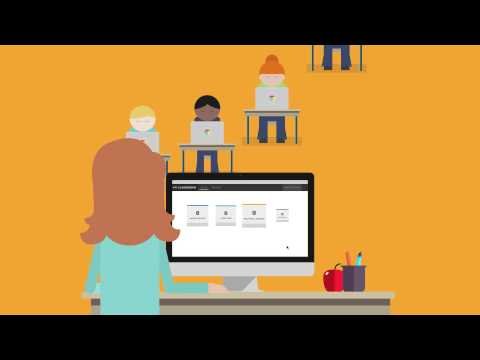
GoGuardian Admin is a K–12 web-filtering and device-activity platform for managed student devices. It applies browsing policies, blocks inappropriate or distracting content, reports internet activity, and helps technology teams investigate attempts to bypass district controls on and off campus.

Student identity and device assignment give browsing records their context. IT teams coordinate access policies and issue resolution while schools manage any instructional or student-support follow-up. Policy enforcement and student-support decisions have different owners. Browsing data needs appropriate access and context when used beyond troubleshooting or access administration.

Features

Features

Web filtering

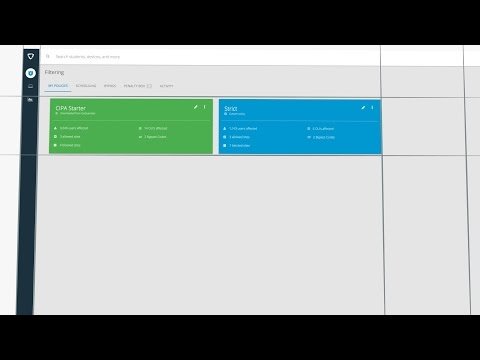
  • Applies policies by user, group, organizational unit, site category, URL, time, and location.

Activity visibility

  • Reports browsing, searches, blocks, extensions, and device activity for authorized administrators.

K–12 controls

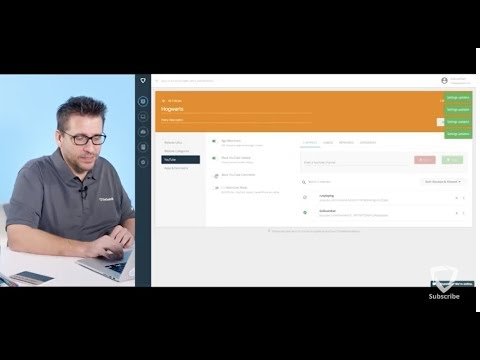
  • Supports YouTube management, off-campus filtering, parent reporting options, and anti-circumvention workflows.

Suite integration

  • Can connect with GoGuardian Teacher and Beacon when the district licenses those modules.

Student Data Privacy

Student Data Privacy
Review the Common Sense Privacy Rating:
N/A

GoGuardian Admin Privacy Policy:
https://www.goguardian.com/policies/privacy

Signed California Student Data Privacy Agreement?
No records found in SDPC Registry

Company News

Company News

Interoperability

Sign-on, rostering, and file exchange methods

Select a connector to see every product that supports it.

GoGuardian provides comprehensive security software for Chromebooks in education. The GoGuardian product suite protects students while browsing, helps educators maintain focused productivity, and provides advanced theft recovery. Customizable filters allow student access to beneficial content while offering unprecedented peace of mind for parents and teachers. With screen sharing and student usage history at their fingertips, teachers are able to guide in-class behavior and maximize the benefits educational technology offers. IT directors benefit from unrivaled device usage insights and industry-exclusive device tracking, making Chromebook fleet management easier than ever. 

GoGuardian provides comprehensive security software for Chromebooks in education. The GoGuardian product suite protects students while browsing, helps educators maintain focused productivity, and provides advanced theft recovery. Customizable filters allow student access to beneficial content while offering unprecedented peace of mind for parents and teachers. With screen sharing and student usage history at their fingertips, teachers are able to guide in-class behavior and maximize the benefits educational technology offers. IT directors benefit from unrivaled device usage insights and industry-exclusive device tracking, making Chromebook fleet management easier than ever. GoGuardian is the only Chromebook management solution that protects assets and users while enhancing the classroom user experience.

Note: SDLA does not endorse or resell any products listed on the site. They are listed simply to aid in the development of integration resources for school district ed-data leaders.

Share on

Media

Videos

District Systems Initiative

School districts using this product

22 California school districts are currently associated with this product in the SDLA database.

Member access

See the districts behind the list.

Register to view district names and explore their SDLA profiles.

Associations compiled from district surveys, public records, vendor information, and ongoing review.