PowerShell
Overview
- Overview
-
PowerShell is Microsoft’s cross-platform command-line shell and scripting language for administering Windows, Microsoft 365, Azure, devices, servers, directories, and many other systems. District technology teams use scripts and modules to automate repetitive configuration, reporting, account, and deployment work.
A script can change many records or settings in one operation. District technical staff maintain its inputs, permissions, version history, and review process because downstream services depend on the resulting changes.
Features
- Features
-
Administrative automation
- Runs commands and scripts for accounts, devices, services, files, configuration, reporting, and bulk changes.
- Modules expose management functions for Microsoft and third-party systems.
Repeatable operations
- Turns manual technical procedures into versioned, testable, scheduled, and auditable scripts.
- Teams should use code review, source control, logging, and safe credential handling.
Product scope
- PowerShell does not provide end-user forms, project boards, or approval workflows by itself.
- Document the scripts and systems used in the district’s deployment.
Student Data Privacy
- Student Data Privacy
-
Review the Common Sense Privacy Rating:
N/A
PowerShell Privacy Policy:
https://www.microsoft.com/en-us/privacy
Signed California Student Data Privacy Agreement?
Yes
Company News
- Company News
Interoperability
Sign-on, rostering, and file exchange methods
Select a connector to see every product that supports it.
Note: SDLA does not endorse or resell any products listed on the site. They are listed simply to aid in the development of integration resources for school district ed-data leaders.
Media
Videos
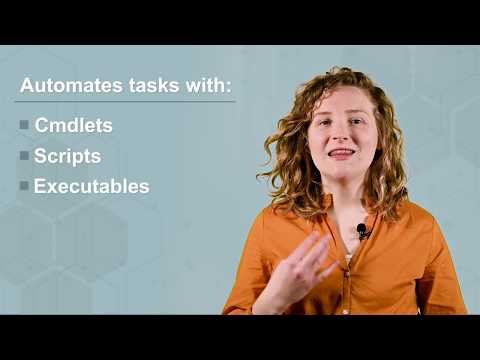
![Windows PowerShell [01] Introduction](/media/reviews/videos/thumbnail/640x640s/d3/97/7b/TUNNmVeyjW0-v1786599900.jpg)