



Achieve3000 Literacy Quick Start Guide
Build a consistent literacy routine with differentiated text, purposeful response, reflection, and evidence-based writing.
Achieve3000 Literacy provides differentiated English and Spanish literacy lessons for grades 2–12. Lesson types, tools, assessment schedules, sign-in methods, and settings depend on the school’s McGraw Hill plan and local configuration.
The Five-Step Literacy Routine
Ready
Activate background knowledge, examine the topic, and prepare to learn.
Read
Read the differentiated article and use the assigned literacy supports.
Respond
Answer comprehension questions and apply evidence from the text.
Reflect & Write
Reconsider the topic, explain thinking, and cite evidence in writing.
Preserve productive struggle: Teach students how to use annotation, dictionary, masking, audio, translation, and other approved supports. Apply accommodations intentionally; some supports can change what a score represents.
District Setup
District and school leaders establish access, rosters, class settings, assessment windows, and support routines before students begin.
Confirm access and roster readiness
- Provide the correct local McGraw Hill sign-in route and single sign-on instructions, if used.
- Confirm schools, terms, classes, teachers, and students in the authoritative roster source.
- Assign staff only the permissions needed for their work.
- Name a local contact for sign-in, roster, licensing, and configuration problems.
Set the instructional model
Confirm the expected weekly use, five-step or shorter lesson routine, assignment process, and LevelSet windows. Review scaffolds, toolbar tools, speech-to-text choices, and lesson gating for each class or student group.
| Decision | Confirm | Owner |
|---|---|---|
| Implementation | Lesson frequency and instructional purpose are clear. | Instructional lead |
| Student supports | Scaffolds and toolbar tools match approved student needs. | Teacher or case manager |
| Roster | Students see the correct class and teachers see assigned students. | Data or SIS lead |
| LevelSet | Assessment dates, supervision, and reset authority are defined. | Program administrator |
Protect accounts and student data
Keep staff credentials private. Use demonstration records for training, verify district approval for integrations, and retain or share student reports only for an approved educational purpose.
Teacher Workflow
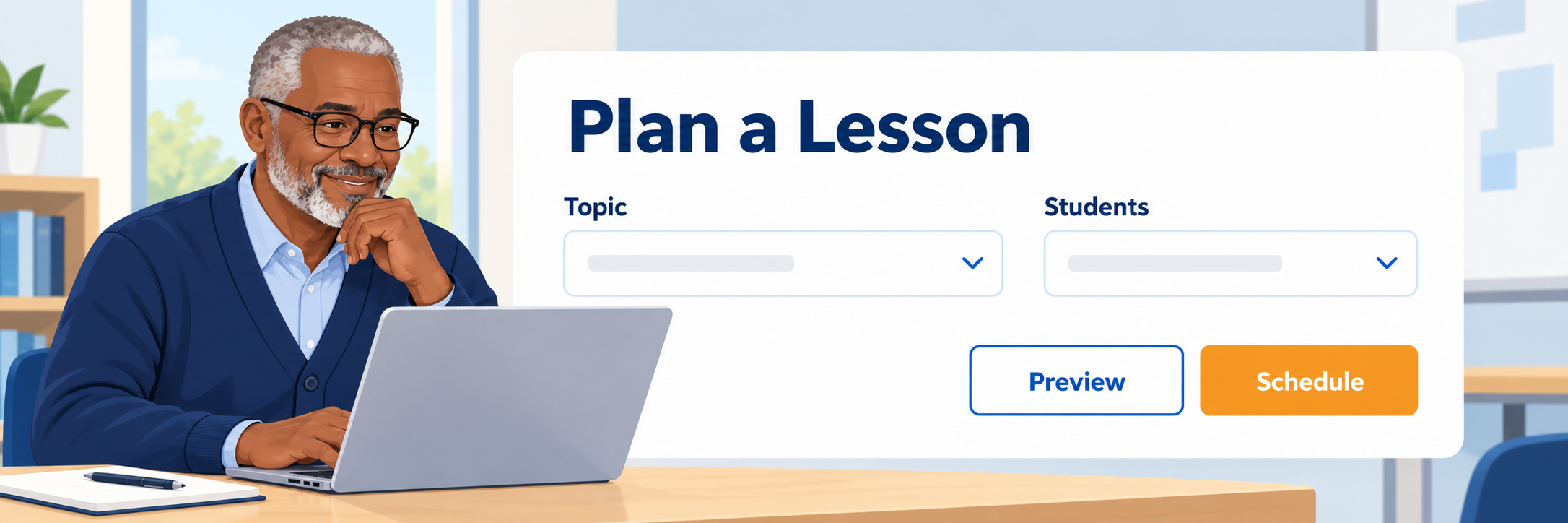
Begin from the teacher dashboard. Confirm the active class, locate an appropriate lesson, preview its resources, and schedule it for the intended students.
Preview and assign a lesson
- Select the correct class and open Lesson Planning or a lesson collection.
- Preview the article, instructional materials, vocabulary, standards, and lesson steps.
- Select the intended Lexile presentation, support level, and students.
- Set start and end dates, then review the assignment before scheduling.
Teach the lesson routine
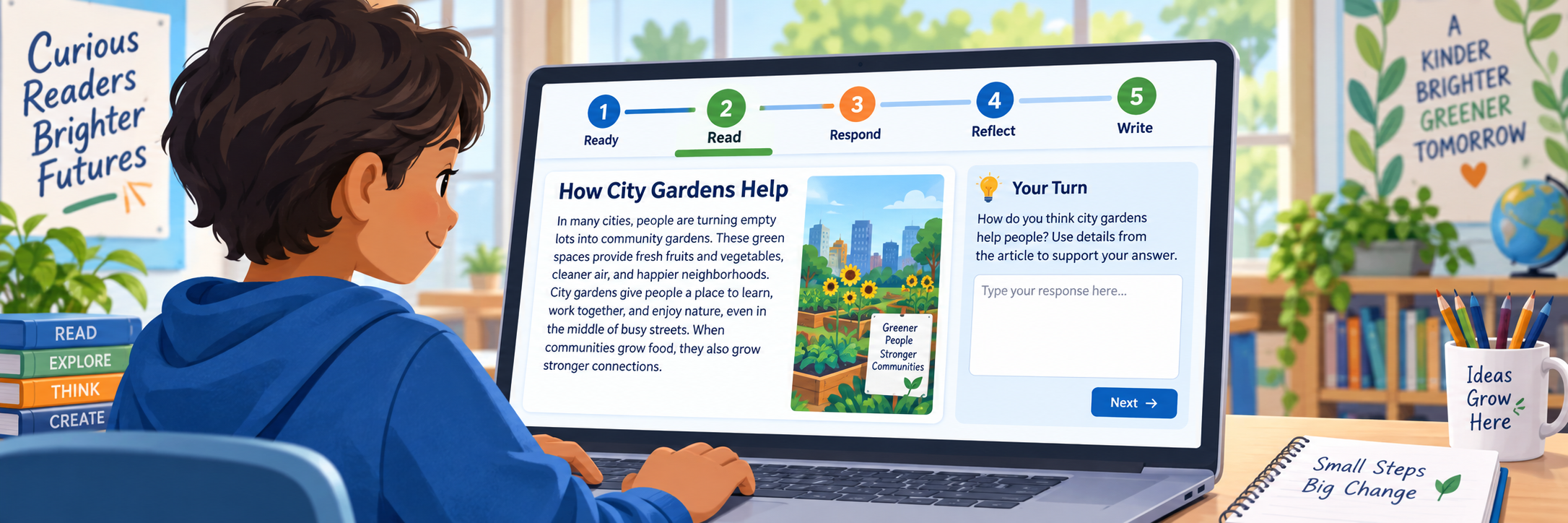
- Ready: build background and respond to the opening prompt.
- Read: read and annotate the differentiated article.
- Respond: answer the activity questions using the text.
- Reflect: revisit the topic and explain current thinking.
- Write: respond to the prompt and cite evidence.
Some assigned lessons contain only Read and Respond. Students should follow the steps shown in their lesson rather than expect every lesson to have five.
Confer and provide feedback
Review the student’s first-try responses, annotations, reflection, and writing. Ask what helped or caused confusion, give specific feedback, and choose a next lesson or instructional support from patterns across multiple sources.
Configure and Verify
Test the complete experience with an authorized demonstration account before assigning the first classwide lesson.
Run an end-to-end check
- Sign in through the route students will use.
- Confirm the correct class and assignment appear.
- Open each available lesson step and verify approved supports.
- Submit demonstration responses and confirm they appear for the teacher.
- Remove or document the test activity according to local procedure.
Review progress and plan support
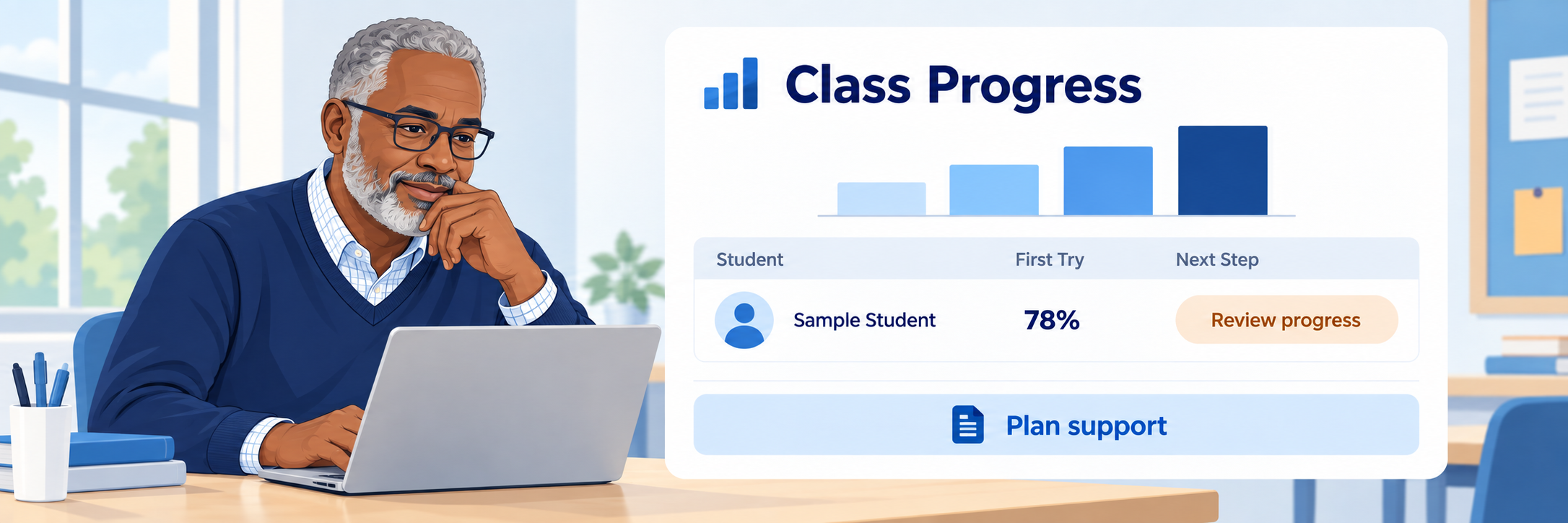
Confirm the student, class, lesson count, first-try activity performance, and reporting period. Look for patterns, recognize effort and growth, and use classroom evidence to plan the next conference or lesson.
Check common problems
| What you see | Check first | Next step |
|---|---|---|
| Student cannot sign in. | Local URL, SSO assignment, credentials, and enrollment status. | Use the district support process. |
| Class or student is missing. | Selected school, roster source, class assignment, and sync timing. | Correct the authoritative roster; do not create a duplicate. |
| Assignment is missing. | Assigned students, start and end dates, class, and lesson calendar. | Review the schedule from the teacher view. |
| A step or tool is unavailable. | Lesson type, lesson gating, toolbar settings, scaffold, and student settings. | Compare the student and class configuration. |
| Result is not in a report. | Class, student, completion status, report filters, and date range. | Document the details and contact local support. |
Verification is shared: Data staff maintain rosters, administrators configure access and preferences, teachers establish the reading routine, and students learn how to select the correct quiz. Test each part before launch.
Good Literacy-Practice Habits
Be consistent
Protect regular lesson time and explain the purpose of each step.
Teach the tools
Model when and why to annotate, use vocabulary help, or apply another support.
Confer
Ask students to explain their reasoning and use the conversation with their work.
Watch patterns
Interpret growth, first-try performance, writing, and classroom evidence across time.
Official Achieve3000 Literacy Resources
Use current McGraw Hill documentation together with your school’s local sign-in route, implementation plan, settings, and support process.