



Accelerated Reader Quick Start Guide
Build a consistent independent-reading routine: choose a book, read it, take the matching quiz, and use the result to guide the next conversation.
Accelerated Reader supports reading practice and progress monitoring for students in grades K–12. Available quizzes, goals, reports, sign-in methods, and settings depend on your school’s Renaissance plan and local configuration.
The Reading Practice Cycle
Choose
Select an appealing book that fits the student’s reading needs and local guidance.
Read
Read the complete book with the level of support the teacher has assigned.
Quiz
Find the correct title and complete the quiz independently under school conditions.
Respond
Review the result, celebrate progress, and decide what support or reading comes next.
Use quiz data in context: A quiz result is one signal from one reading experience. Pair it with classroom evidence and a student conversation; do not treat one score as a complete measure of comprehension or as an automatic grade.
District Setup
District and school leaders establish access, rosters, class settings, quiz preferences, and support routines before students begin.
Confirm access and roster readiness
- Provide the correct local Renaissance sign-in route and single sign-on instructions, if used.
- Confirm schools, terms, classes, teachers, and students in the authoritative roster source.
- Assign staff only the permissions needed for their work.
- Name a local contact for sign-in, roster, licensing, and configuration problems.
Set the instructional model
Choose the goal model and marking periods that match the school’s implementation plan. Review quiz restrictions, monitor-password rules, answer visibility, retakes, article availability, and the options students use to identify how they read a book.
| Decision | Confirm | Owner |
|---|---|---|
| Goal model | The selected model fits the grade span and local reading plan. | Instructional lead |
| Quiz conditions | Location, monitor password, retakes, and support expectations are clear. | AR administrator |
| Roster | Students see the correct class and teachers see their assigned students. | Data or SIS lead |
| Family access | Home Connect instructions are shared only when the school has enabled it. | Site lead |
Protect accounts and student data
Keep monitor passwords and staff credentials private. Use demonstration records for training, limit exports to an approved purpose, and retain or share reports according to district policy.
Teacher Workflow
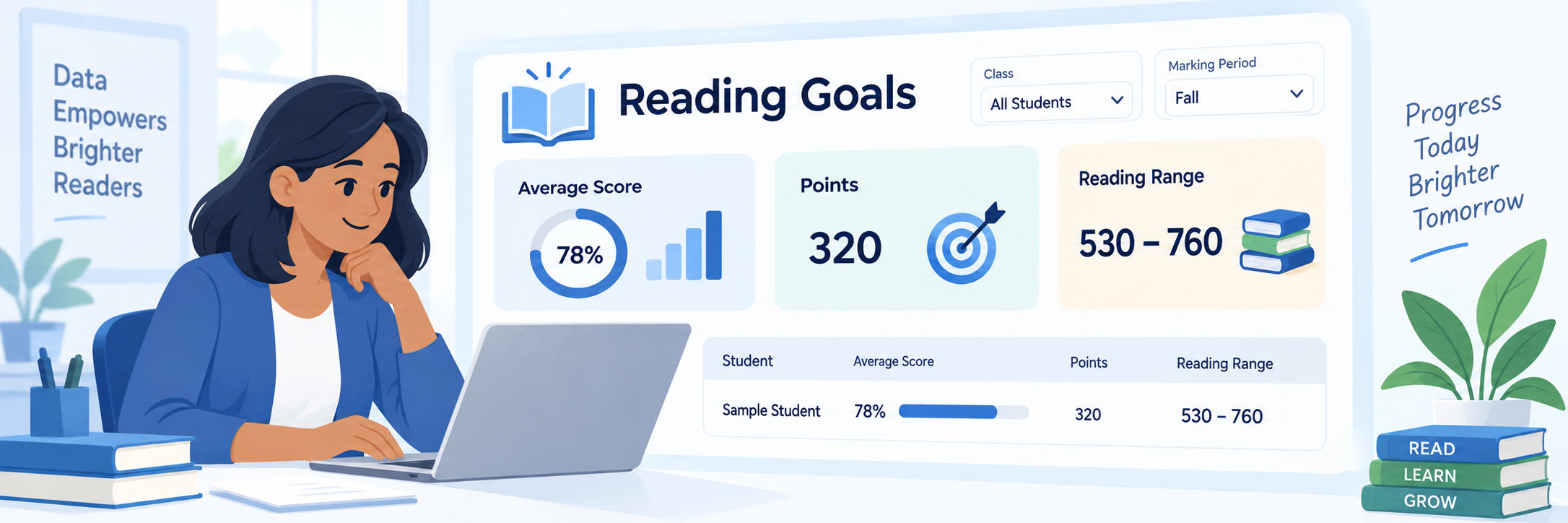
Begin in the Accelerated Reader Record Book. Select the correct class and marking period before setting goals or reviewing activity.
Review or set student goals
- Select the class, marking period, and locally approved goal model.
- Review any suggested goals and the information used to generate them.
- Adjust goals when instructional evidence supports a change.
- Explain the goal in language the student can use during reading conferences.
Teach the student quiz routine
- Finish reading the book before opening the quiz.
- Open Accelerated Reader and select the correct class if prompted.
- Search by title, author, or quiz number.
- Confirm the exact book before choosing Take Quiz.
- Select how the book was read if that question is enabled, then complete the quiz independently.

Use the result for a reading conversation
Ask the student what felt easy, confusing, or memorable. Review patterns across several quizzes and other classroom evidence before changing support, reading range, or goals.
Configure and Verify
Test the complete experience with an authorized demonstration account before asking a full class to use it.
Run an end-to-end check
- Sign in through the route students will use.
- Confirm the correct class appears.
- Locate an authorized test quiz and verify the start conditions.
- Confirm the completed quiz appears in the teacher Record Book.
- Remove or document the test record according to local procedure.
Review the saved result
Verify the student, book, quiz result, date, class, and goal progress. Use the TOPS result or appropriate report to support feedback, then decide whether to celebrate progress, confer with the student, or provide targeted help.

Check common problems
| What you see | Check first | Next step |
|---|---|---|
| Student cannot sign in. | Local URL, single sign-on assignment, credentials, and enrollment status. | Use the district support process. |
| Class or student is missing. | Selected school, roster source, class assignment, and sync timing. | Correct the authoritative roster; do not create a duplicate. |
| Quiz cannot be found. | Exact title, author, quiz number, language, and licensed content. | Check AR Bookfinder or ask the AR administrator. |
| Quiz is blocked or asks for a password. | Quiz location, school hours, retake rules, and monitor-password setting. | Follow the school’s approved quiz conditions. |
| Result is not in the Record Book. | Correct class, student, quiz completion, date range, and selected marking period. | Document the details and contact local support. |
Verification is shared: Data staff maintain rosters, administrators configure access and preferences, teachers establish the reading routine, and students learn how to select the correct quiz. Test each part before launch.
Good Reading-Practice Habits
Protect choice
Help students find books that are interesting, accessible, and appropriate for the reading purpose.
Confer
Ask about the reading experience and use the student’s explanation alongside the score.
Watch patterns
Look across time, titles, and classroom evidence before making an instructional decision.
Keep it fair
Apply quiz conditions consistently and provide approved accommodations without coaching answers.
Official Accelerated Reader Resources
Use current Renaissance documentation together with your school’s local sign-in route, instructional plan, settings, and support process.