Join
Join

Microsoft Office365

Product Details
Overview
Online versions of Office with email, video conferencing, SIS data sync, compliance tools, information protection, and voicemail integration.
Features
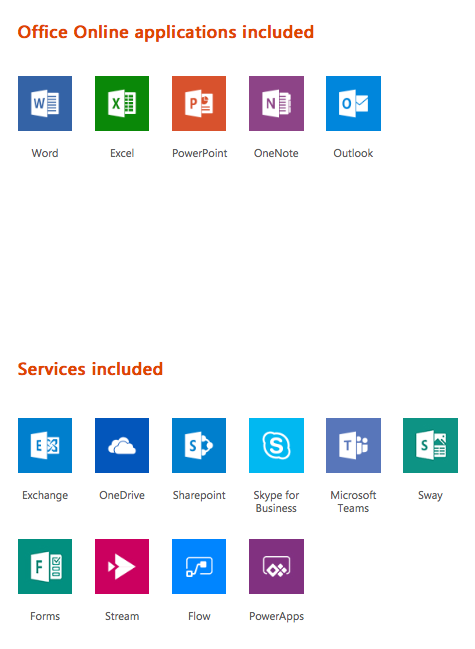
- Web versions of Word, PowerPoint, Excel, OneNote, and Outlook
- Desktop version of OneNote
- Class and Staff notebooks
- Professional Learning Community (PLC) groups
- Self-grading quizzes with Forms
- Digital storytelling with Sway
- Email with 50 GB mailbox
- File storage and sharing with unlimited OneDrive storage
- HD video conferencing
- Microsoft Teams, a digital hub that integrates the conversations, content, and apps your school needs to be more collaborative and engaged
- Enterprise video service for creating, managing, and sharing videos securely across an organization
- App development without writing code to extend business data quickly with custom web and mobile apps
- Workflow automation across apps and services to automate business processes without writing code
- Inform and engage with communication sites and team sites throughout your intranet using SharePoint.
- Unlimited email storage with In-Place archiving
- Advanced email with archiving and legal hold
- Compliance solutions with a unified eDiscovery center
- Rights management, data loss prevention, and encryption
- Maximum number of users: unlimited
Interoperability
Compatible with the following interoperability frameworks or products:
Districts
This list is compiled annually through our web surveys, internet research, and phone interviews with California school districts.
School Districts in California that use Microsoft Office*

Photos
Videos